Share Your Story 🎙️
Follow these 3 easy steps to record and submit your voice story.
Step 01
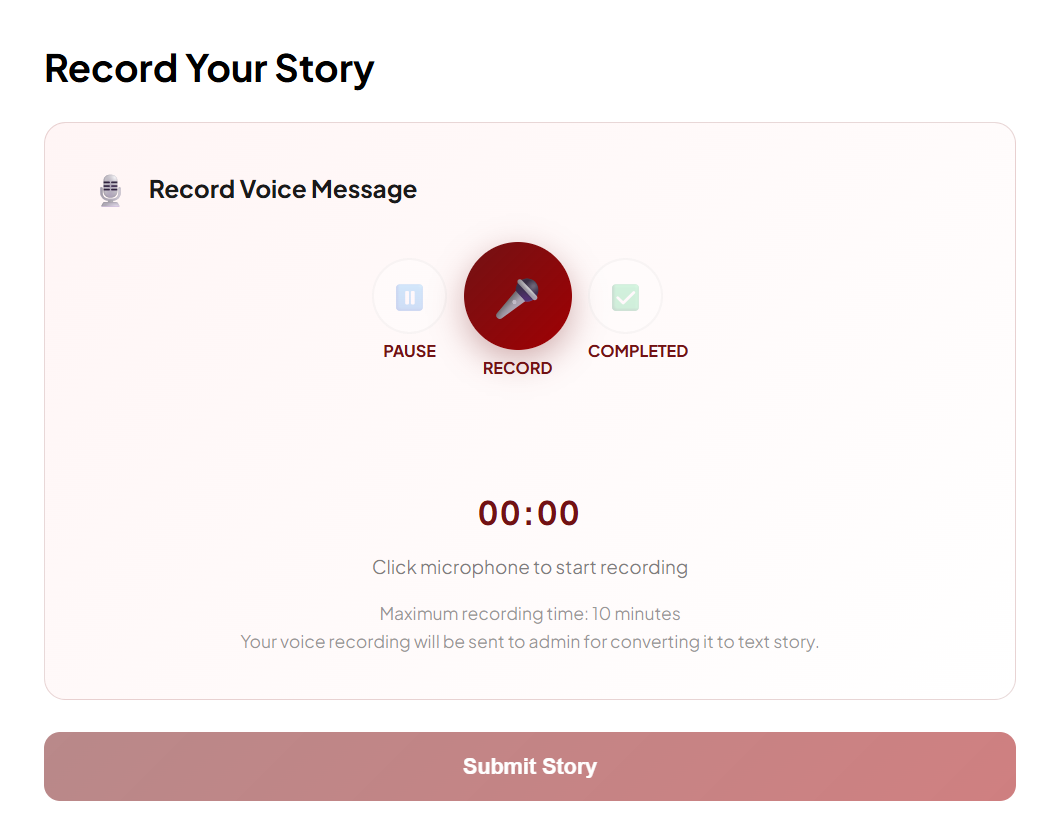
Record Your Voice
Click "RECORD" to start. Use "PAUSE" if you need a break, and click "COMPLETED" when you are finished speaking.
Step 02
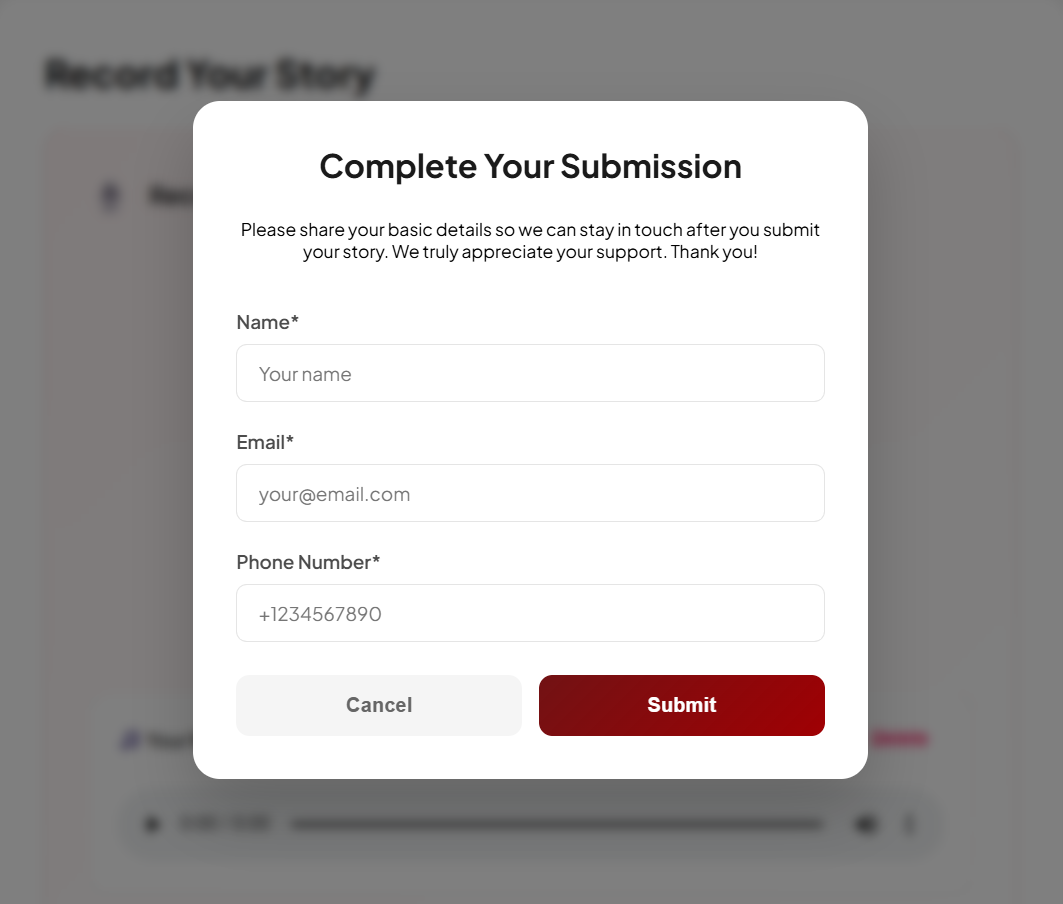
The Submission Form
After clicking "Submit Story", a window will pop up. Please provide your basic details so we can save your story to your profile.
👤 Your Name
📧 Email Address
📞 Phone Number
Step 03
Final Confirmation
Once you fill the form, click "Submit". You will see a success message, and your recording will be sent to the Admin safely.
Proceed to Recorder
Make sure your microphone is working!